Free bilingual audiobooks for Yoto Make Your Own cards
Download free MP3s in Spanish, English and Portuguese and add them to a Yoto Make Your Own (MYO) card. No sign-up, no subscription.
Setting up this story:
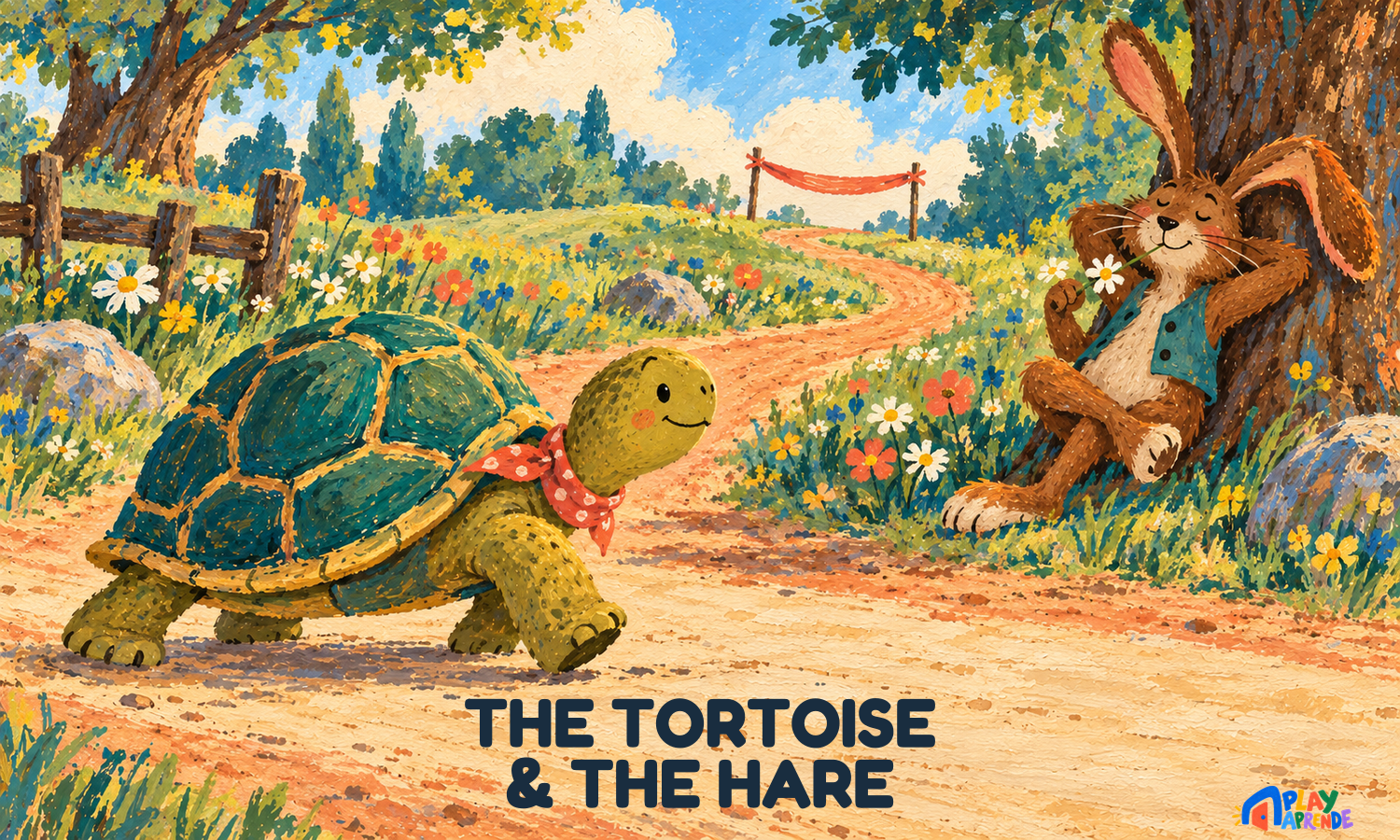
The Tortoise and the Hare
How to add our songs to a Yoto MYO card
- Download the MP3. Use the file you just downloaded above, or unzip the playlist ZIP if you downloaded one instead. Tracks are numbered so they play in order.
- Upload a playlist in your browser. Go to my.yotoplay.com/my-cards in a browser and log in with the same email you use for the Yoto app. Tap New Playlist → MAKE NEW, upload the MP3s, name the playlist, then tap SAVE. This upload step happens on the Yoto website, not inside the app.
- Give it a name, cover and track icons. The playlist's own name and cover are set when you create it. You can also change the icon for each individual track inside the playlist — that's a separate, per-track icon, not the playlist cover.
- Link it to a card in the app. Open the Yoto app, find the playlist, tap the ⋮ menu and choose Link to a Card. Put a blank MYO card in your Yoto player, then tap Link in the pop-up panel to confirm — you'll see a red record icon, then a green tick once it's linked.
- Confirm it's fully downloaded, then play. Playing a title once doesn't prove it downloaded for offline use — it may be streaming. In the app, go to Settings → My Players → Audio Download Status to see which titles are downloaded and which are still waiting.
Why these work well on Yoto
- Plain MP3 files — upload happens via my.yotoplay.com in a browser.
- Short songs, ideal for ages 0–5, plus calm bedtime tracks.
- Playlists as one ZIP — one download becomes one card.
- Spanish, English and Portuguese, so the whole family can learn together.
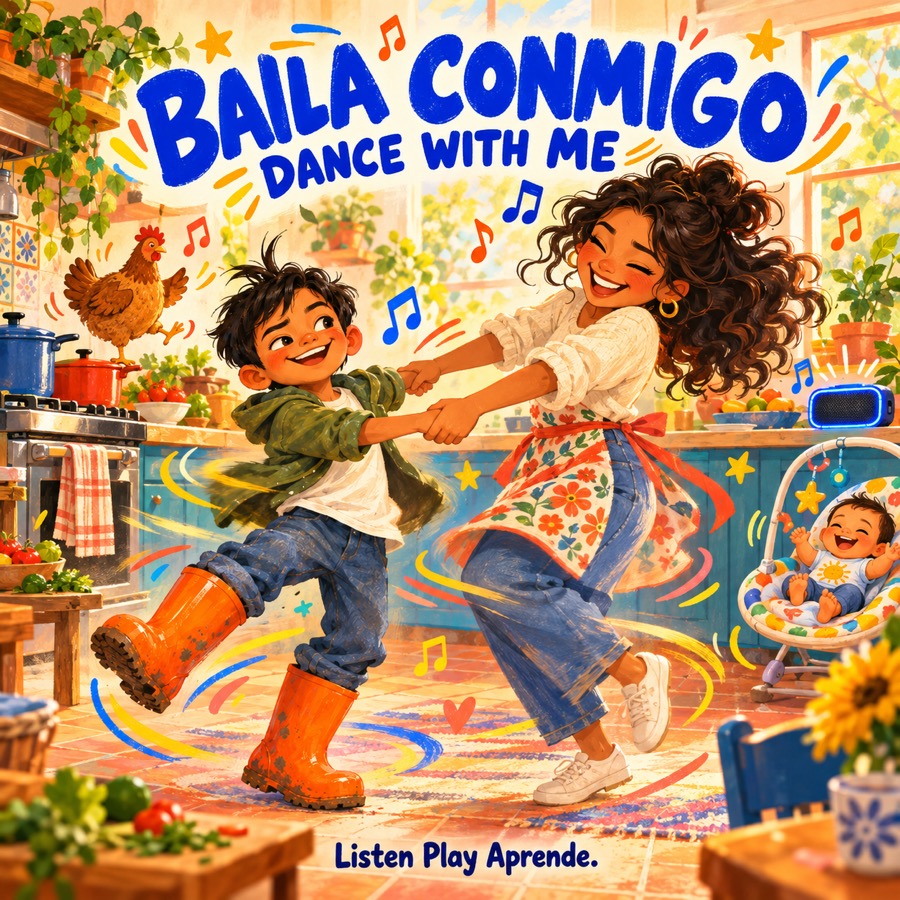
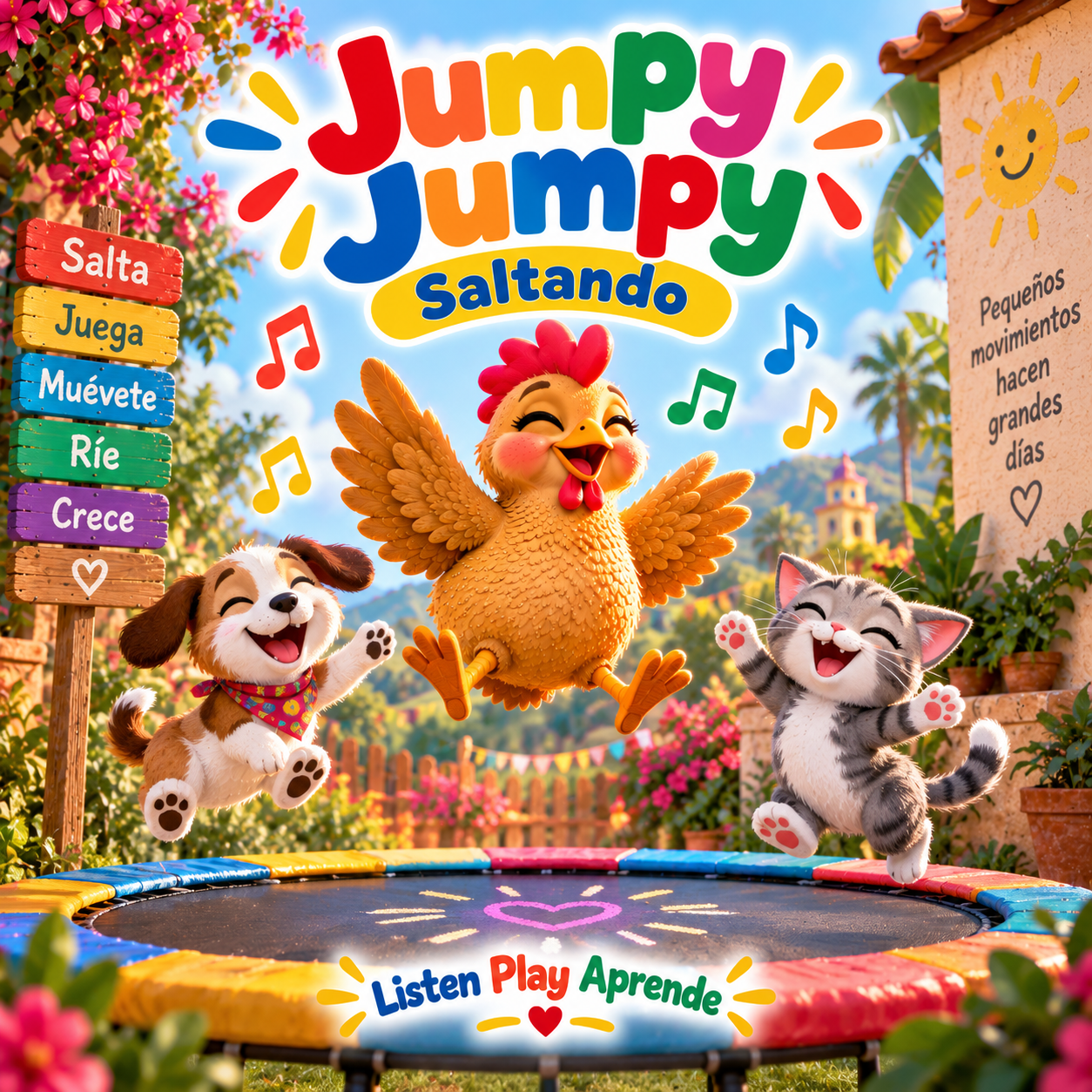
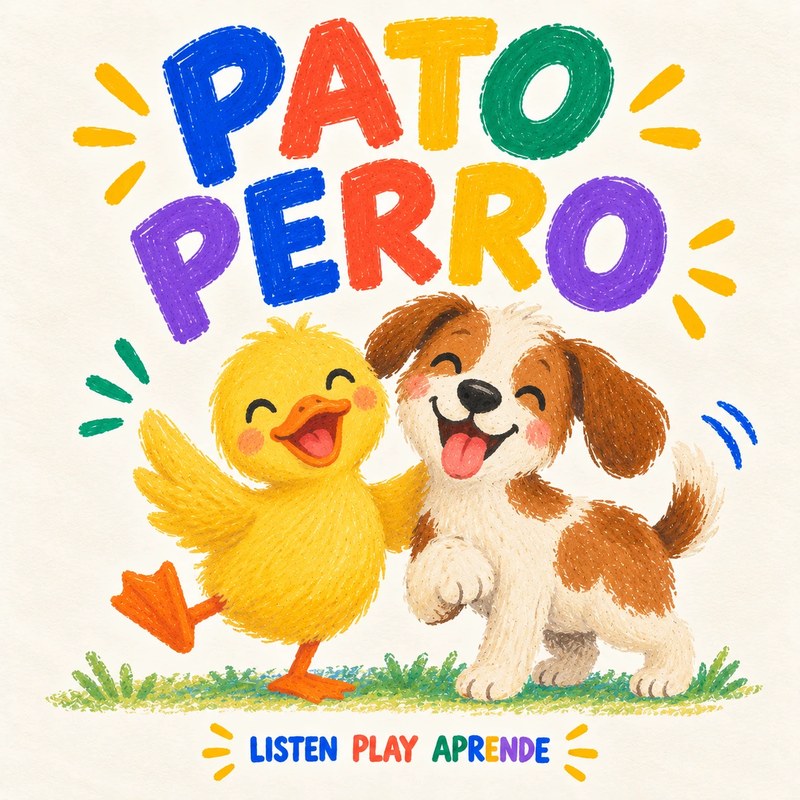
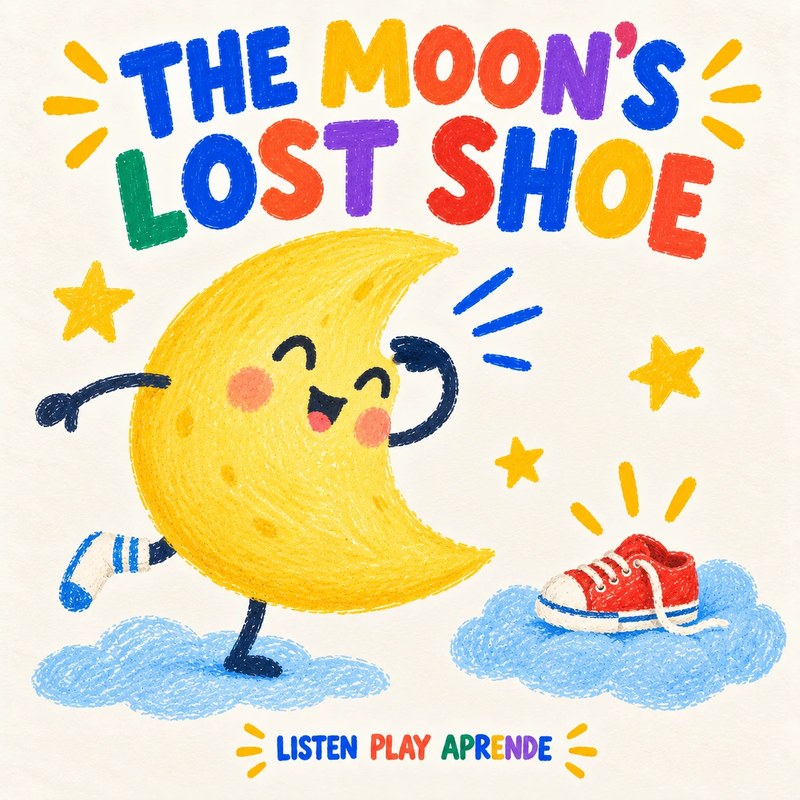
Songs to download for your Yoto card
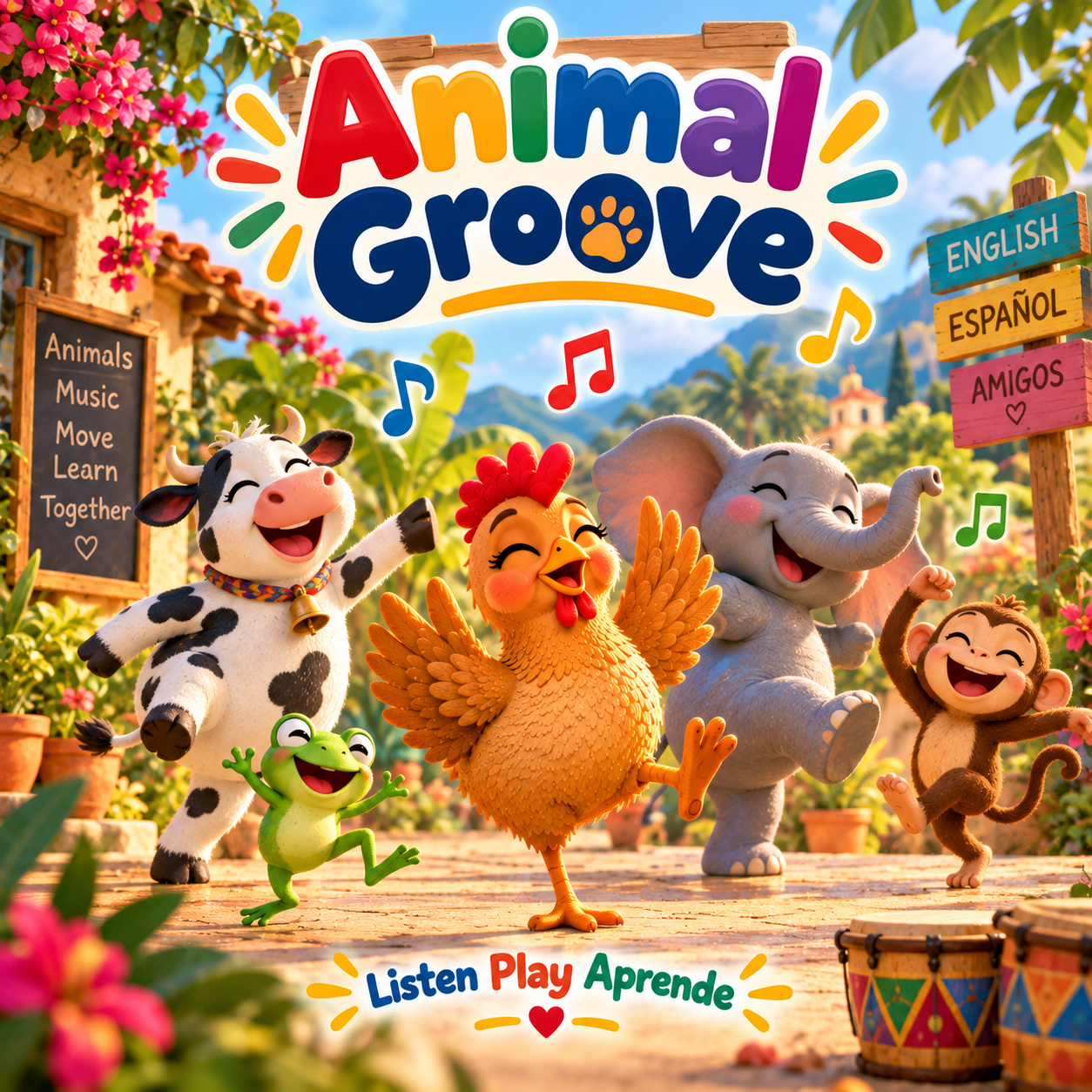
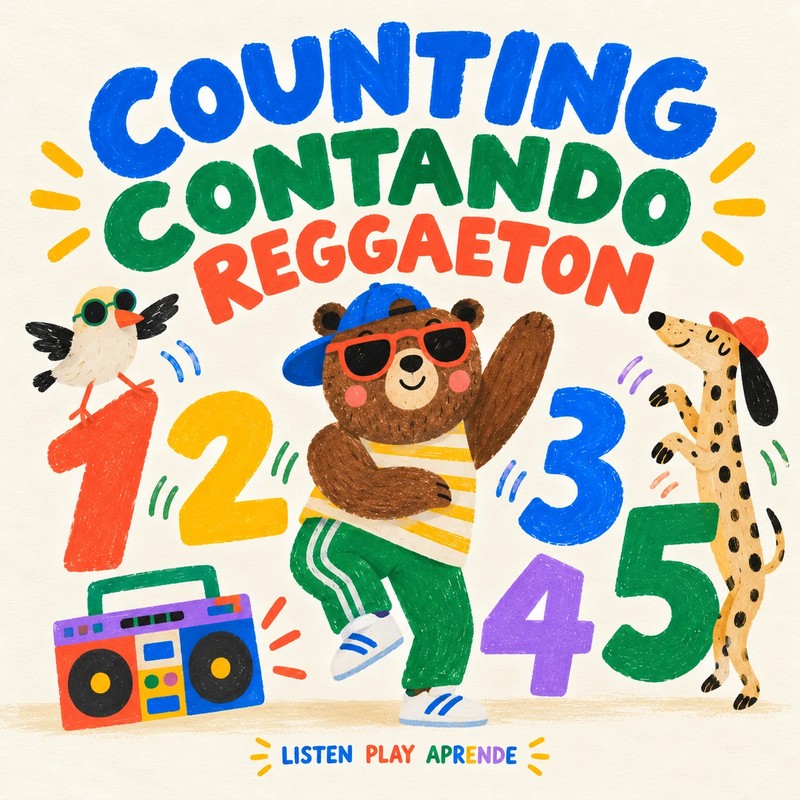

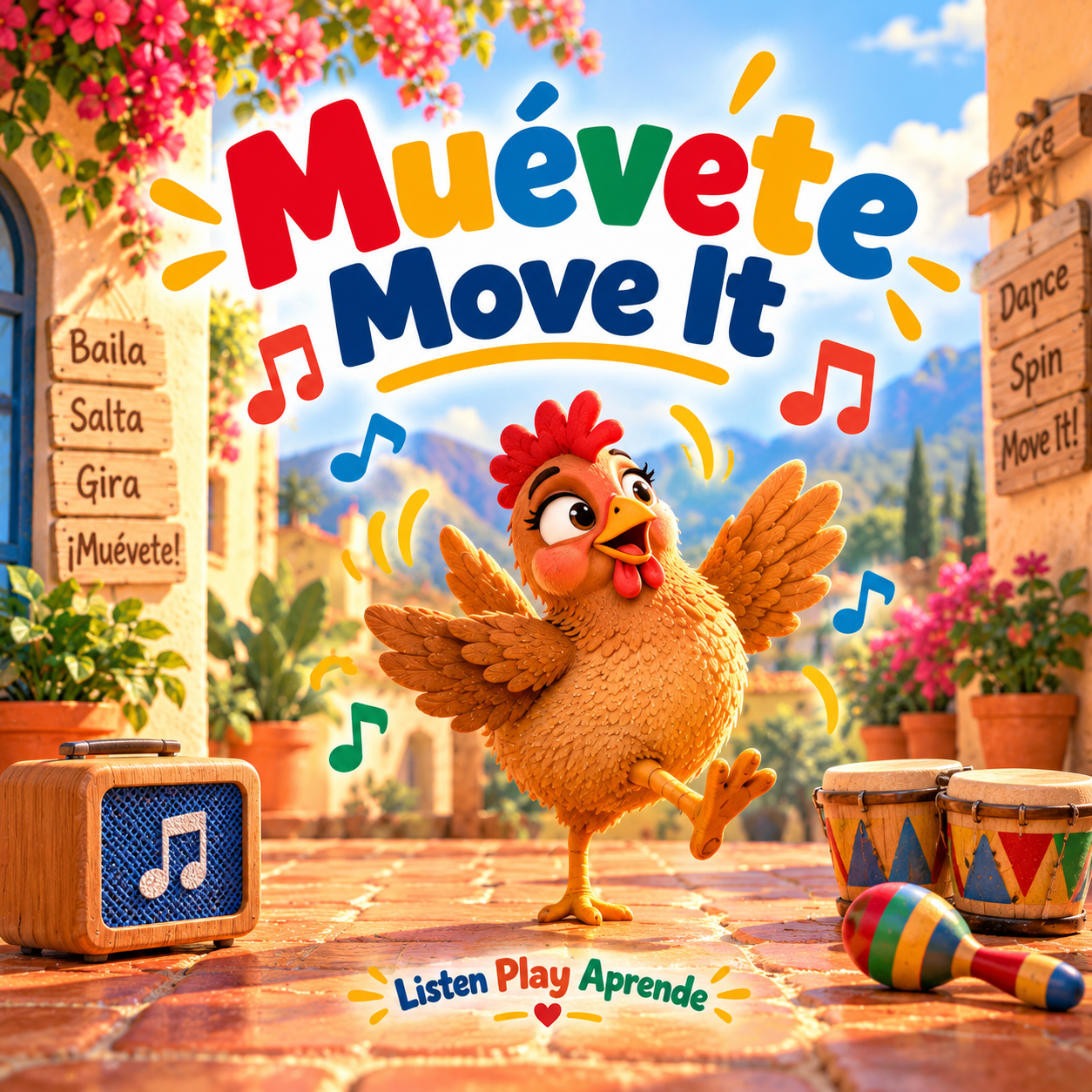
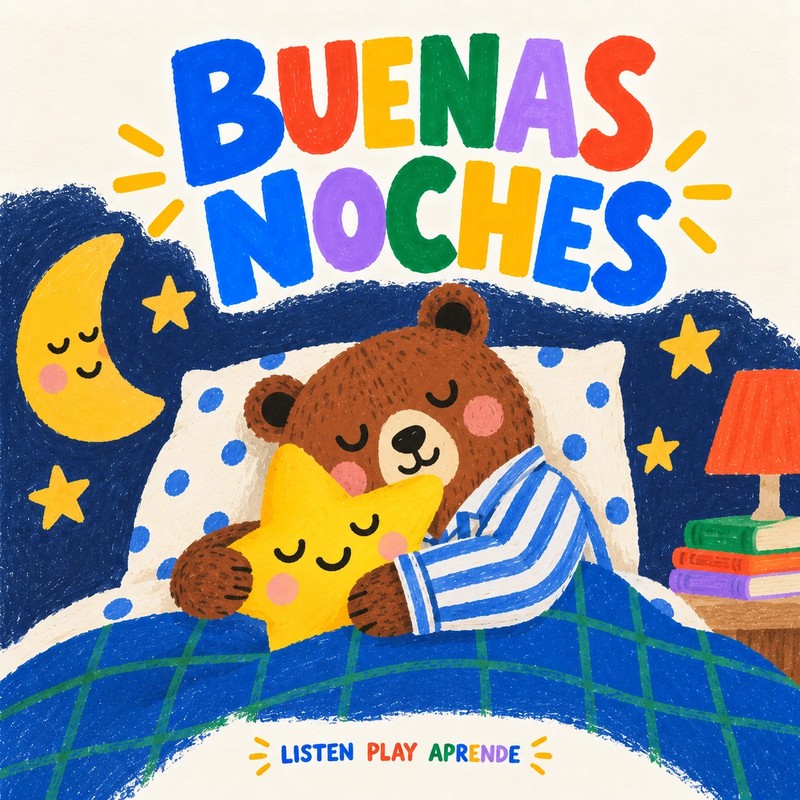

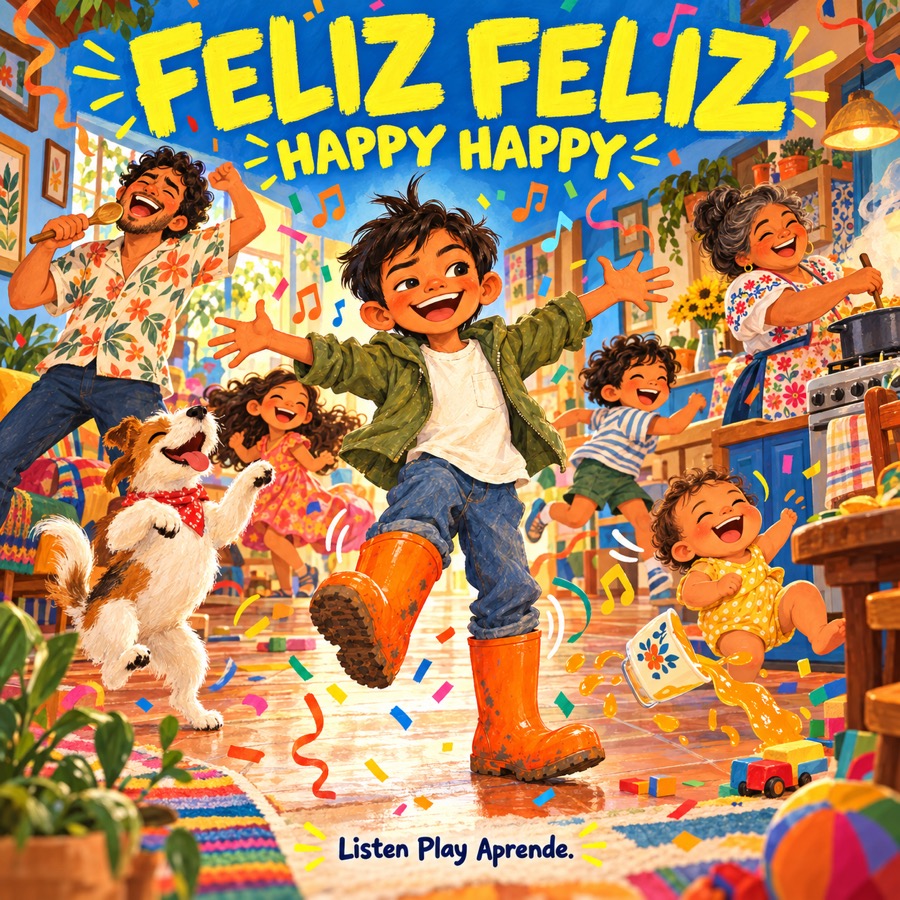
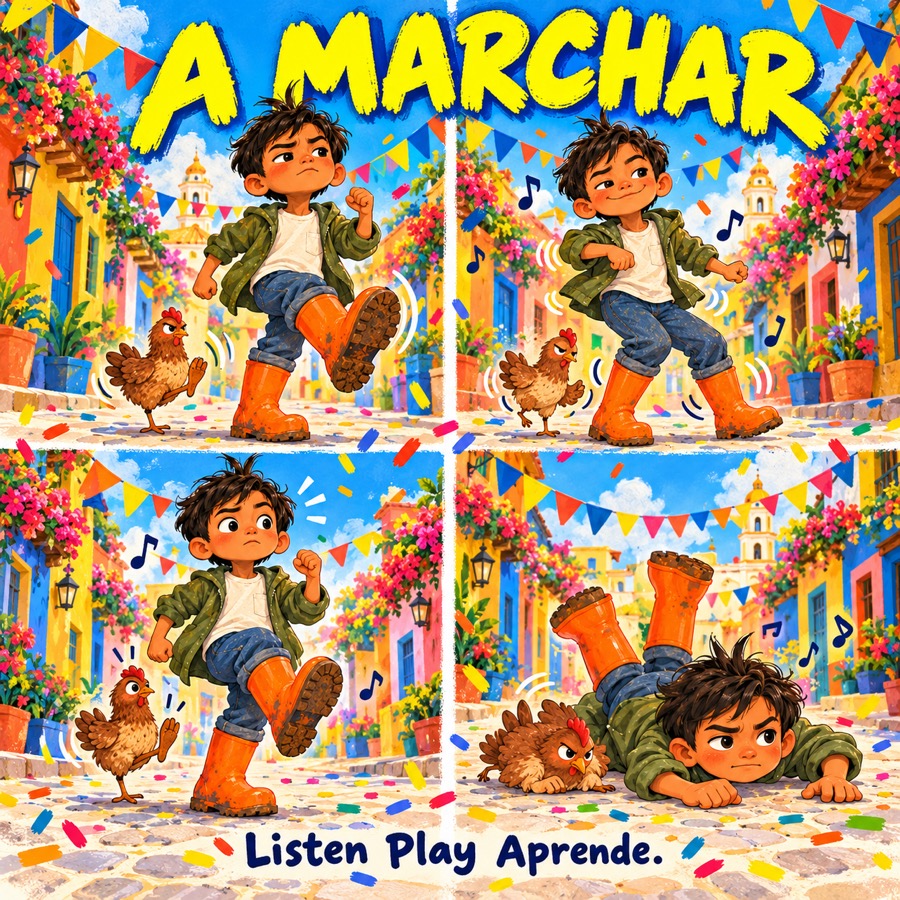
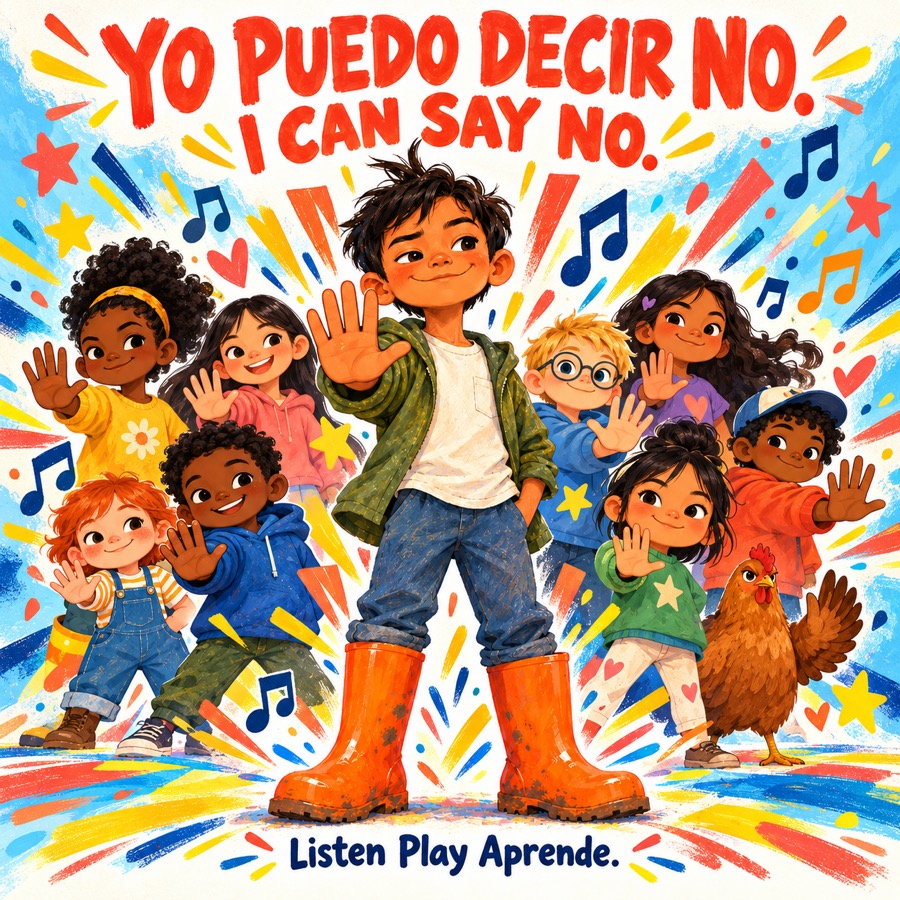
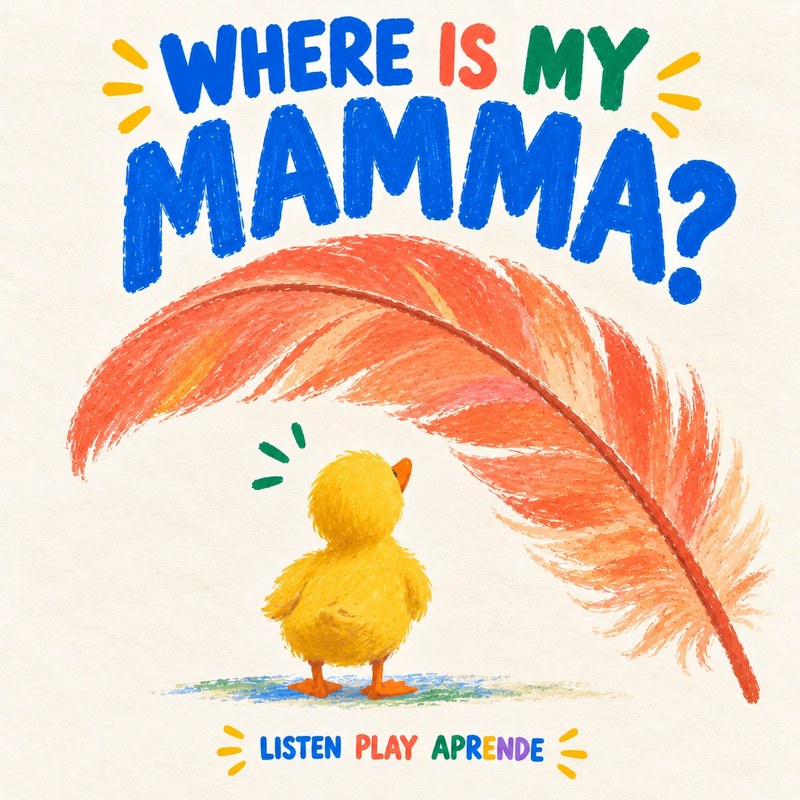
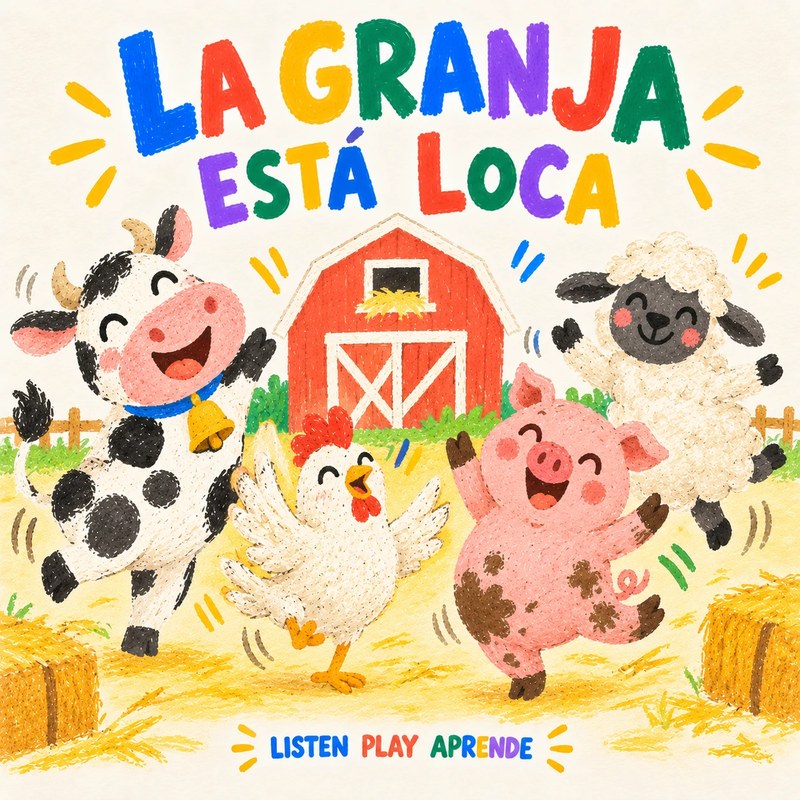
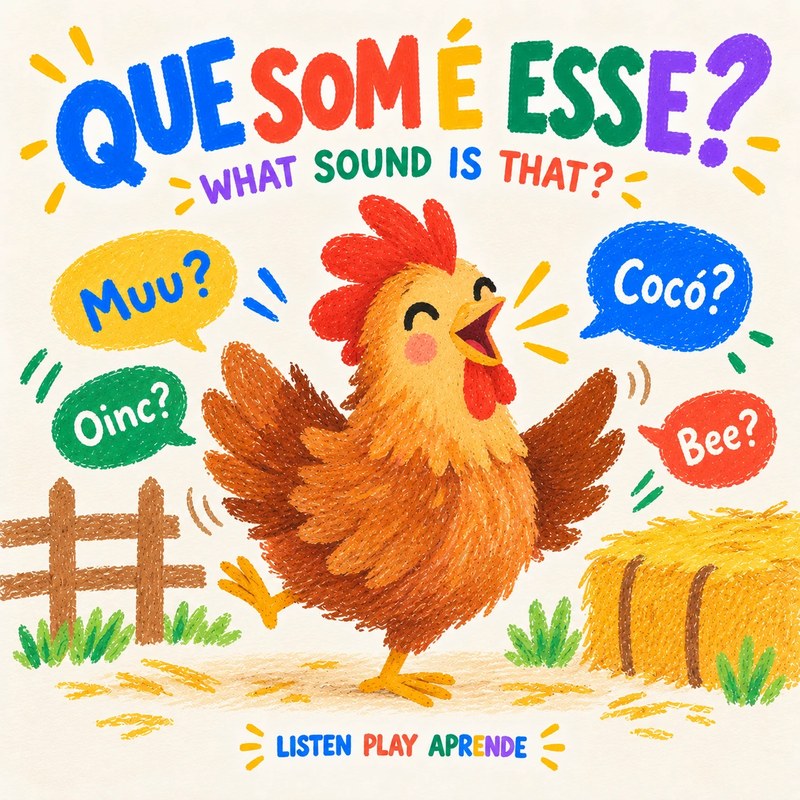
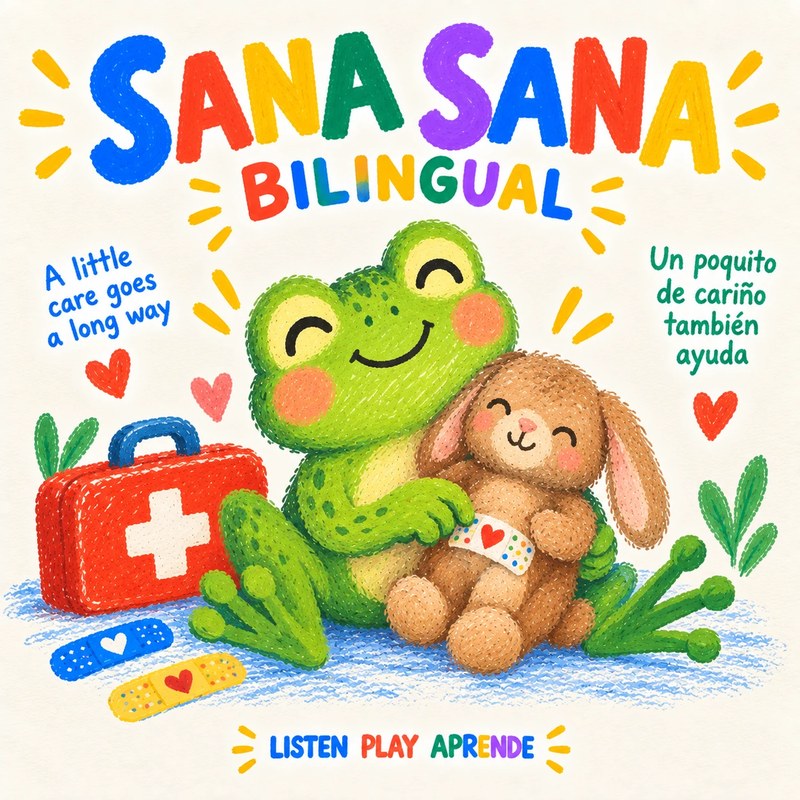
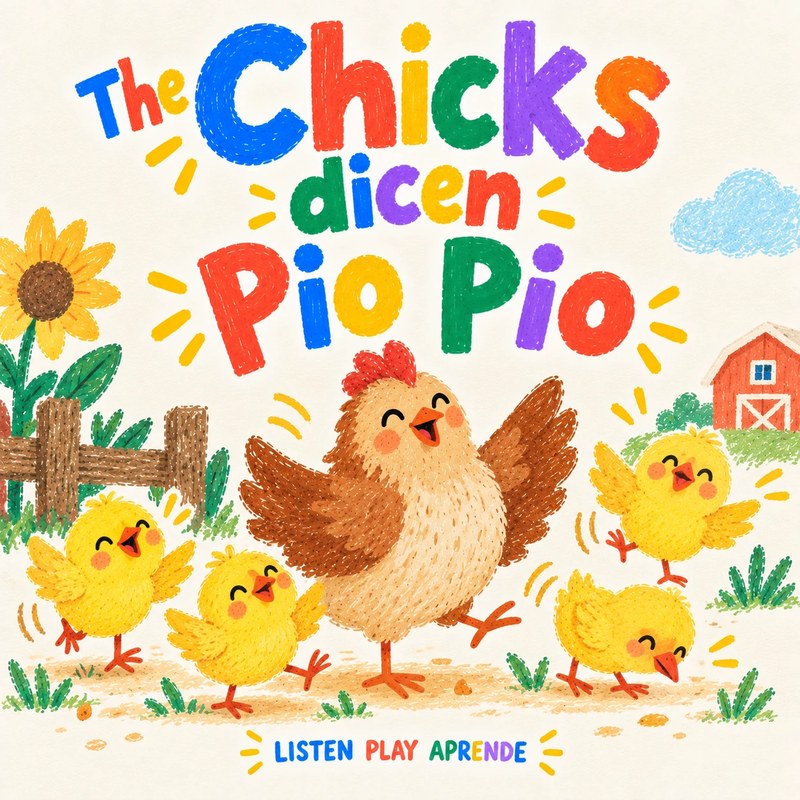
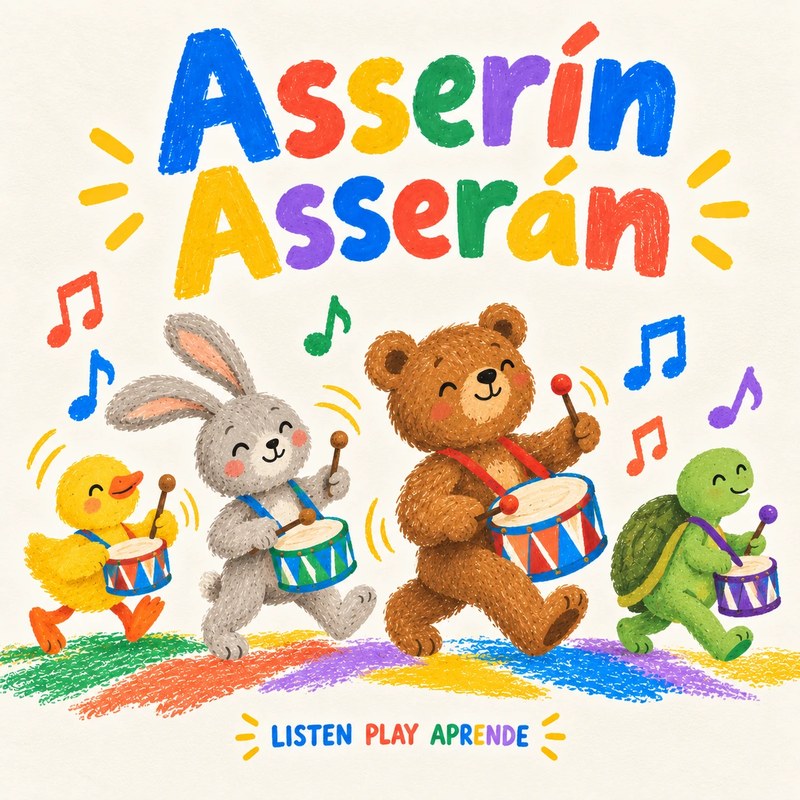
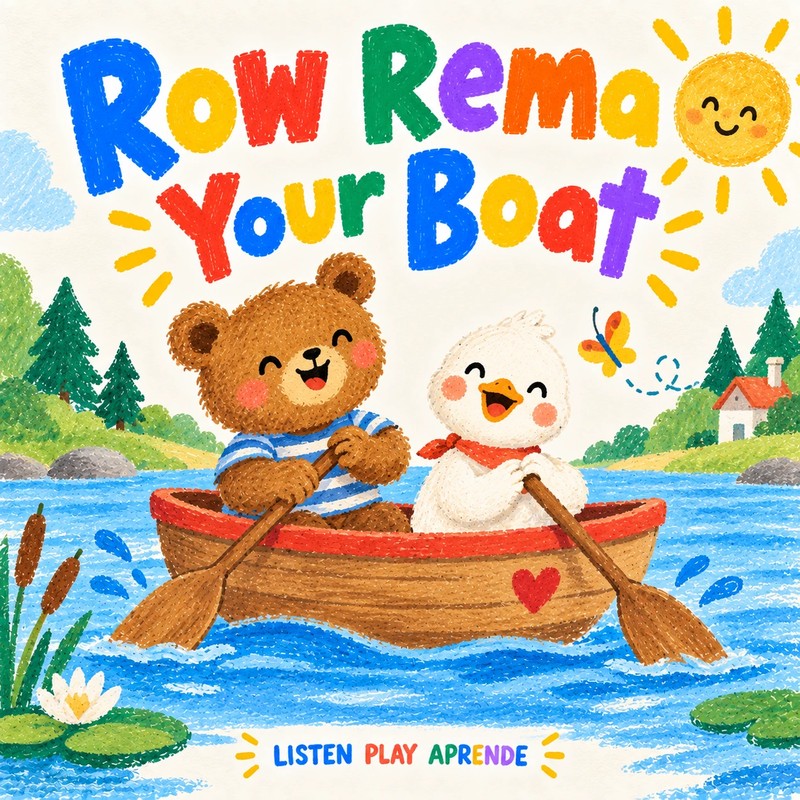
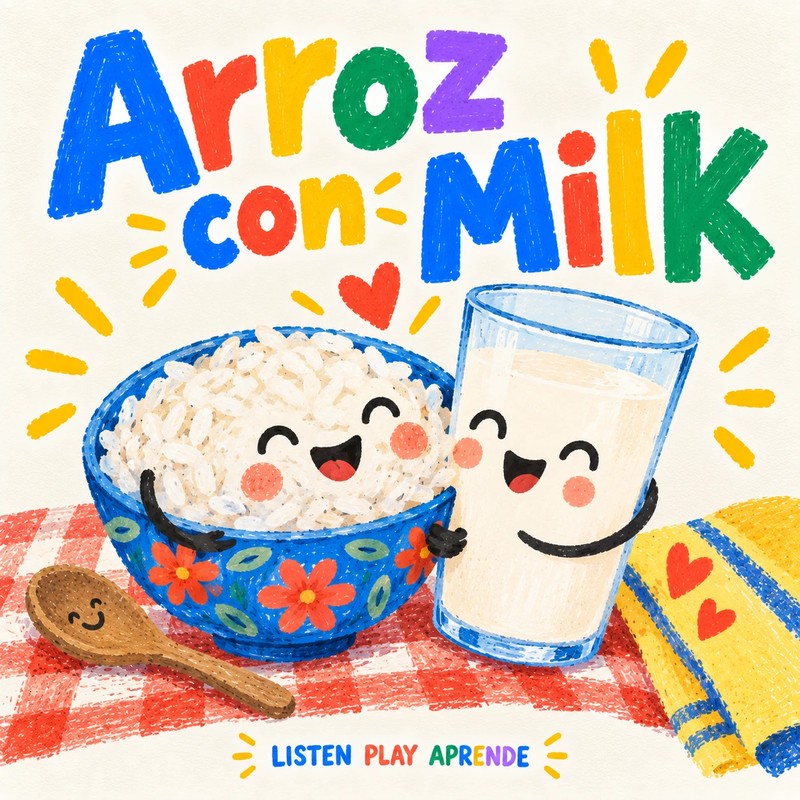
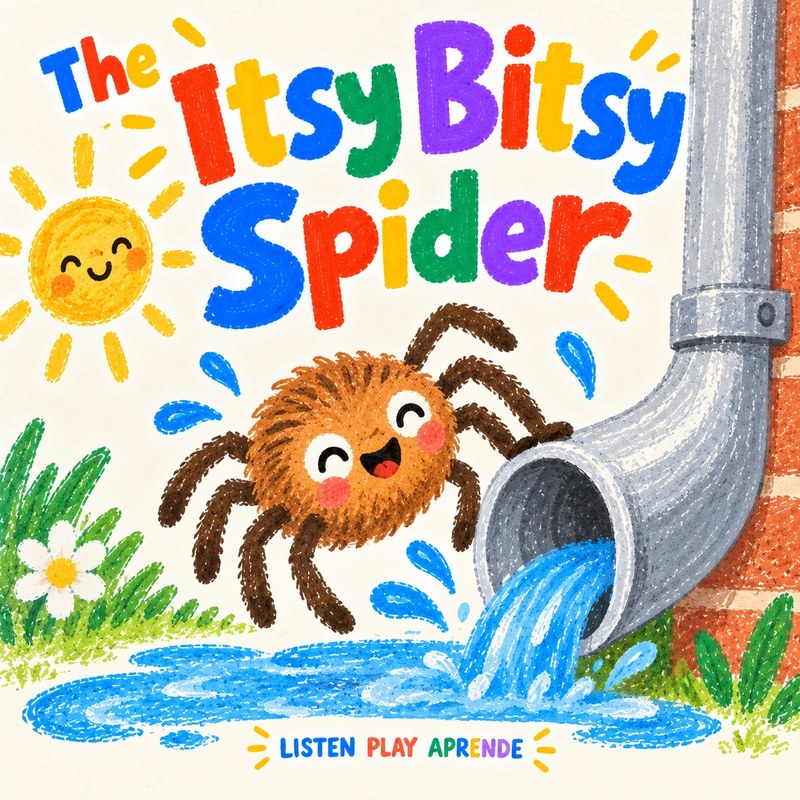
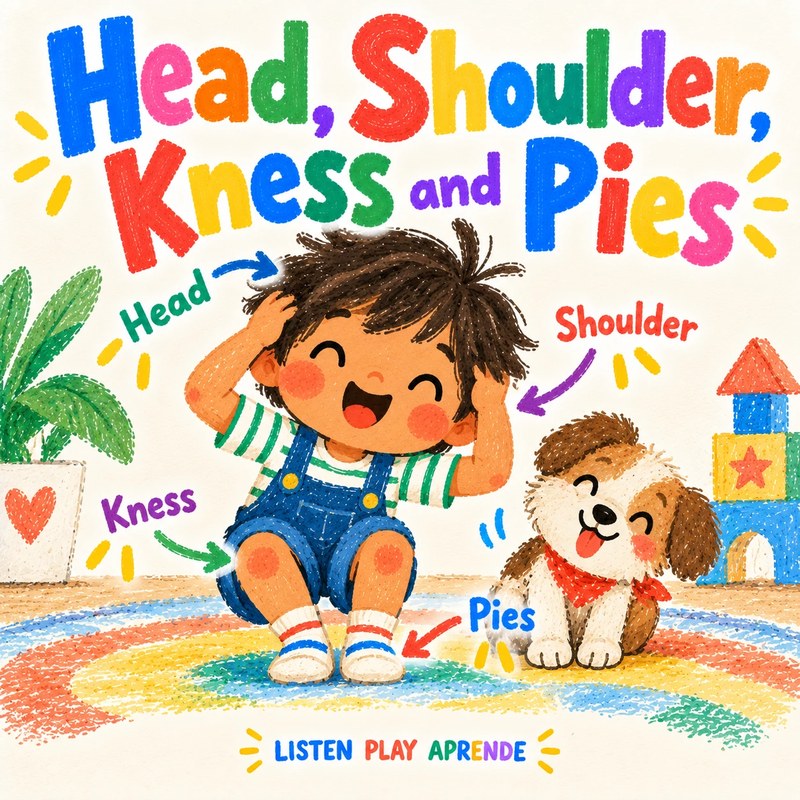
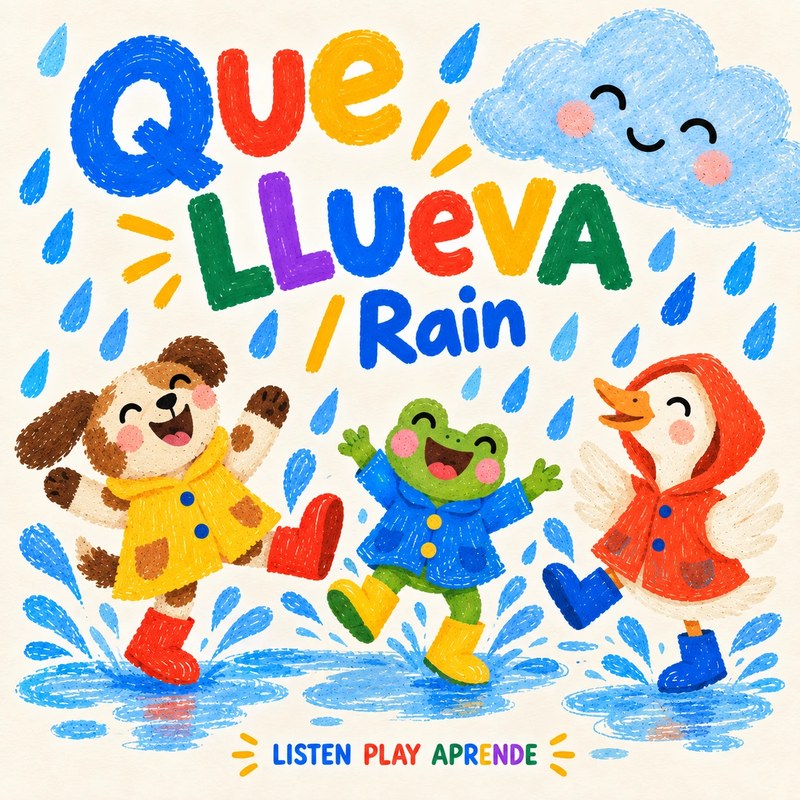
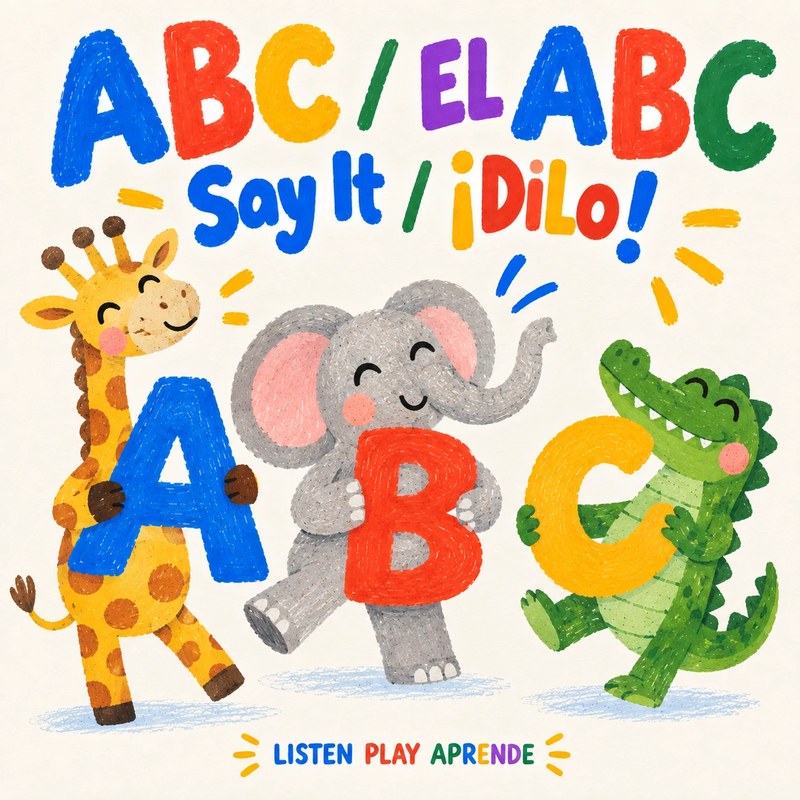
Playlist ZIPs for one Yoto card
Yoto questions
Are the songs really free for Yoto?
Yes. Every song is a free MP3 download with no account needed. You only need your own Yoto player and MYO cards.
Do I need to convert the files?
No. They are standard MP3s, which the Yoto app accepts as they are.
Can I put a whole playlist on one card?
Yes. Unzip a playlist, upload all its numbered tracks to one Make Your Own playlist and link it to a single card.
Using a Creative Tonie instead? → · Help → · Yoto activities → · MYO ideas →