
Add this audio to Yoto
Download free MP3s in Spanish, English and Portuguese and add them to a Yoto Make Your Own (MYO) card. No sign-up, no subscription.
Fastest: Send to Yoto
Sends just this track to your Yoto library, as its own playlist. Then link it to a card in the Yoto app.
Send to YotoOr add the MP3s yourself:
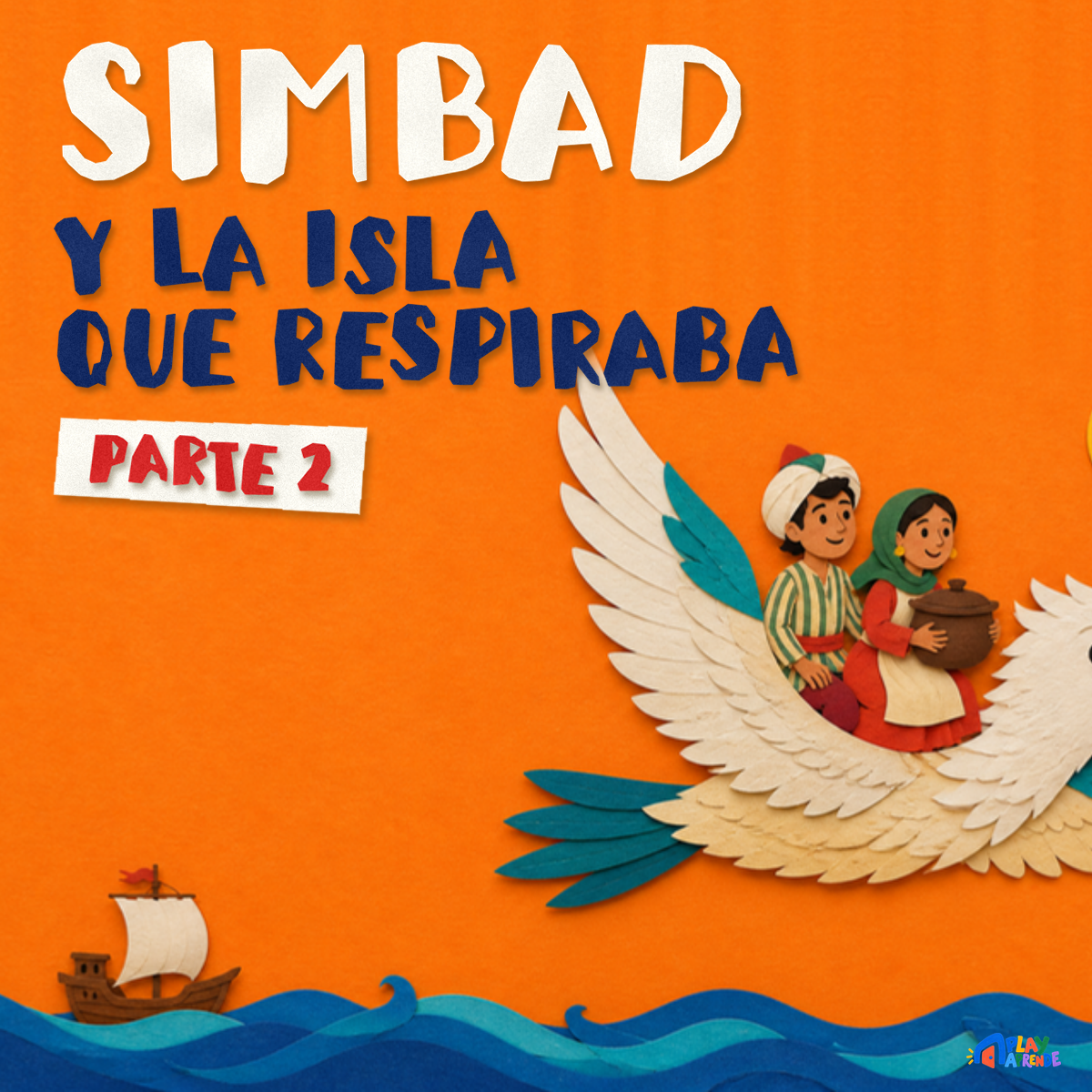
Simbad y la isla que respiraba · Parte 2
How to add our audio to a Yoto MYO card
- Download the MP3. Use the Download button above if you haven't already.
- Upload a playlist in your browser. At my.yotoplay.com (not in the app), signed in with the same account as the Yoto app. Choose the numbered MP3s, not the ZIP.
- Give it a name, cover and track icons. The playlist's own name and cover are set when you create it. You can also change the icon for each individual track inside the playlist — that's a separate, per-track icon, not the playlist cover. Free pixel icons for your tracks →
- Link it to a card in the app. In the Yoto app, open the playlist, tap ⋮ and choose Link to a Card, then put a blank MYO card in your player.
- Confirm it's fully downloaded, then play. Play the card for a few seconds to start the download, then check it finished before you rely on it offline.
Yoto questions
Are the songs really free for Yoto?
Yes — Play Aprende downloads are free and need no Play Aprende account. To add audio to your player, you'll use your own Yoto account.
Do I need to convert the files?
No conversion is needed. Download the MP3 files, then follow the upload and card-linking steps above.
Can I put a whole playlist on one card?
Yes. Unzip a playlist, upload all its numbered tracks to one Make Your Own playlist and link it to a single card.
Using a Creative Tonie instead? → · Help → · Books & Printables → · MYO ideas →