Add this audio to Yoto
Download free MP3s in Spanish, English and Portuguese and add them to a Yoto Make Your Own (MYO) card. No sign-up, no subscription.
Setting up this playlist:
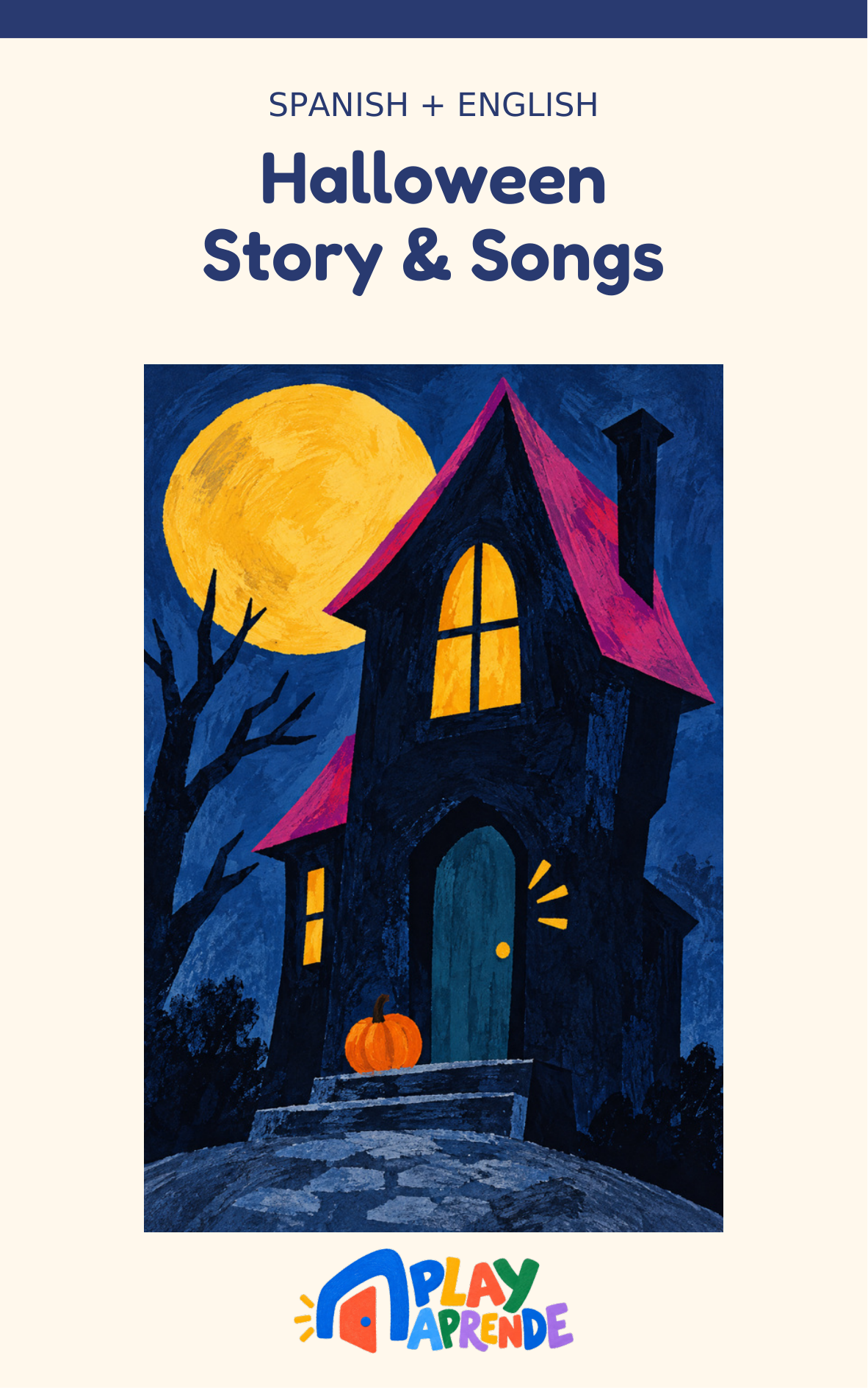
Halloween Story & Songs · Bilingual
7 tracks
The ZIP contains 7 numbered MP3s — unzip it, then add them to your Creative Tonie, or to a Yoto playlist.
How to add our audio to a Yoto MYO card
- Download the MP3. Download the audio above if you haven't already. If you chose a ZIP, unzip it first. Tracks are numbered so they play in order.
- Upload a playlist in your browser. Go to my.yotoplay.com/my-cards in a browser and log in with the same email you use for the Yoto app. Tap New Playlist → MAKE NEW, upload the MP3s, name the playlist, then tap SAVE. This upload step happens on the Yoto website, not inside the app.
- Give it a name, cover and track icons. The playlist's own name and cover are set when you create it. You can also change the icon for each individual track inside the playlist — that's a separate, per-track icon, not the playlist cover.
- Link it to a card in the app. Open the Yoto app, find the playlist, tap the ⋮ menu and choose Link to a Card. Put a blank MYO card in your Yoto player, then tap Link in the pop-up panel to confirm — you'll see a red record icon, then a green tick once it's linked.
- Confirm it's fully downloaded, then play. After linking, play the card for a few seconds, then remove it — that gets the download started, but hearing it play doesn't prove it finished downloading; it may still be streaming. Leave the player switched on, connected to Wi-Fi, plugged in and idle so the rest can download. There's no fixed time this takes, but leaving it overnight before you need it offline is a safe bet. Check Settings → My Players → Audio Download Status in the app to see which titles are downloaded and which are still waiting before relying on offline playback.
Why these work well on Yoto
- Plain MP3 files — upload happens via my.yotoplay.com in a browser.
- Short songs, ideal for ages 0–5, plus calm bedtime tracks.
- Playlists as one ZIP — one download becomes one card.
- Spanish, English and Portuguese, so the whole family can learn together.
Songs to download for your Yoto card
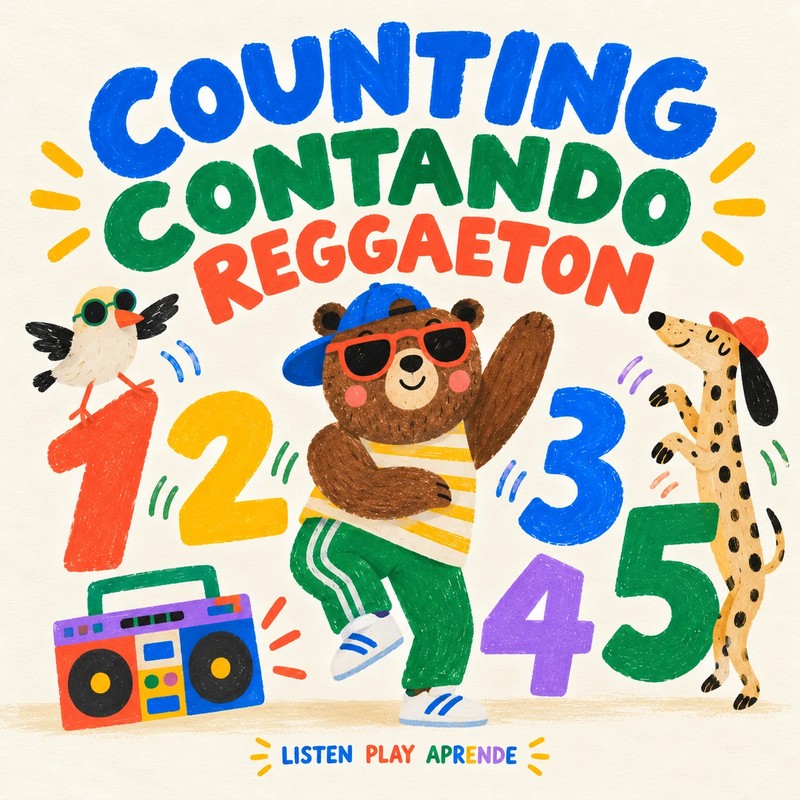

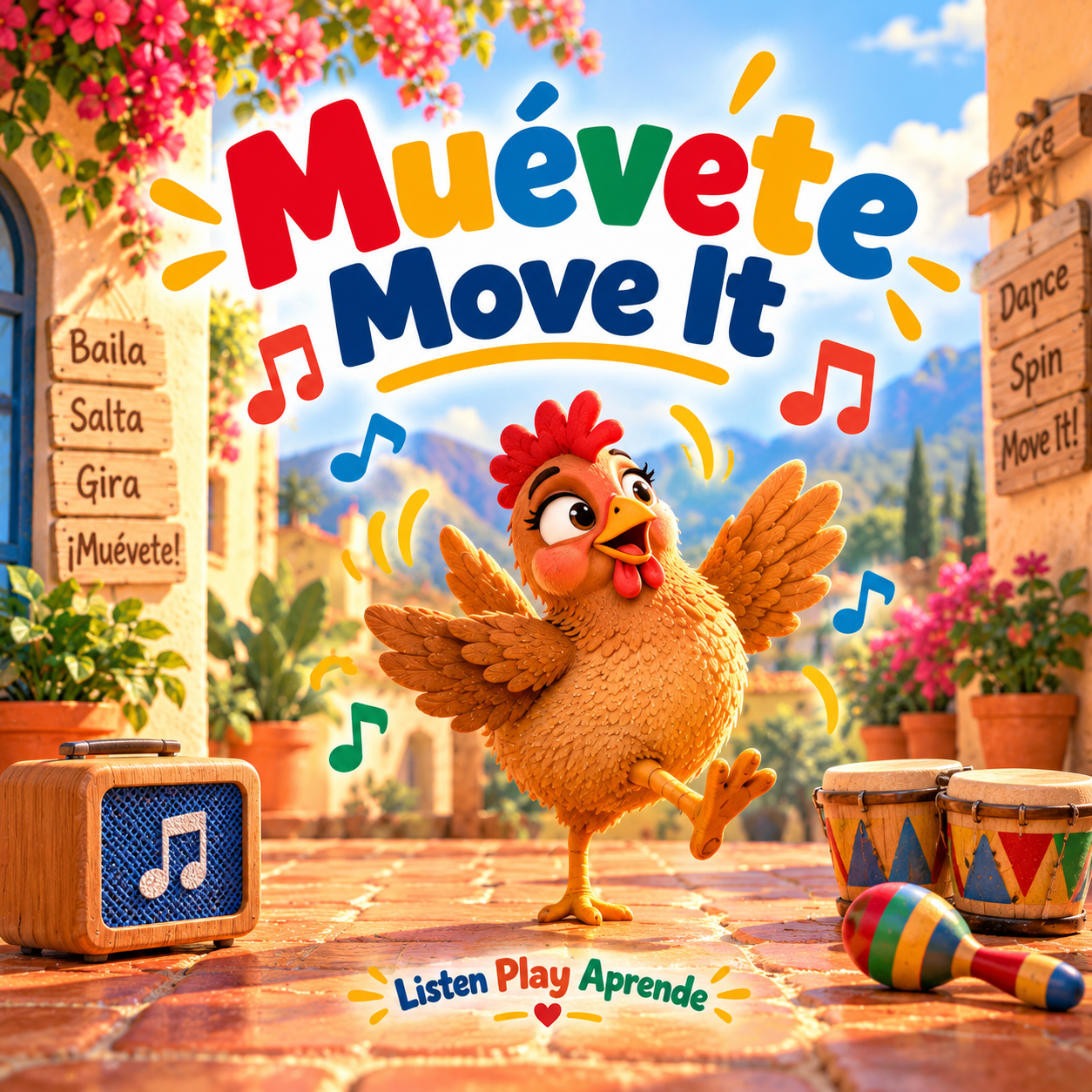
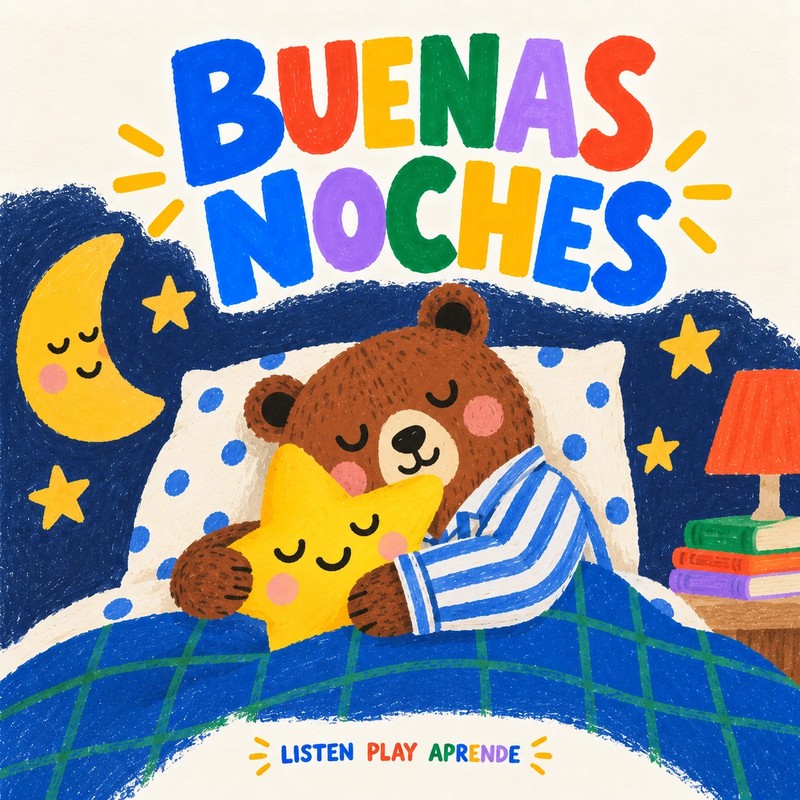
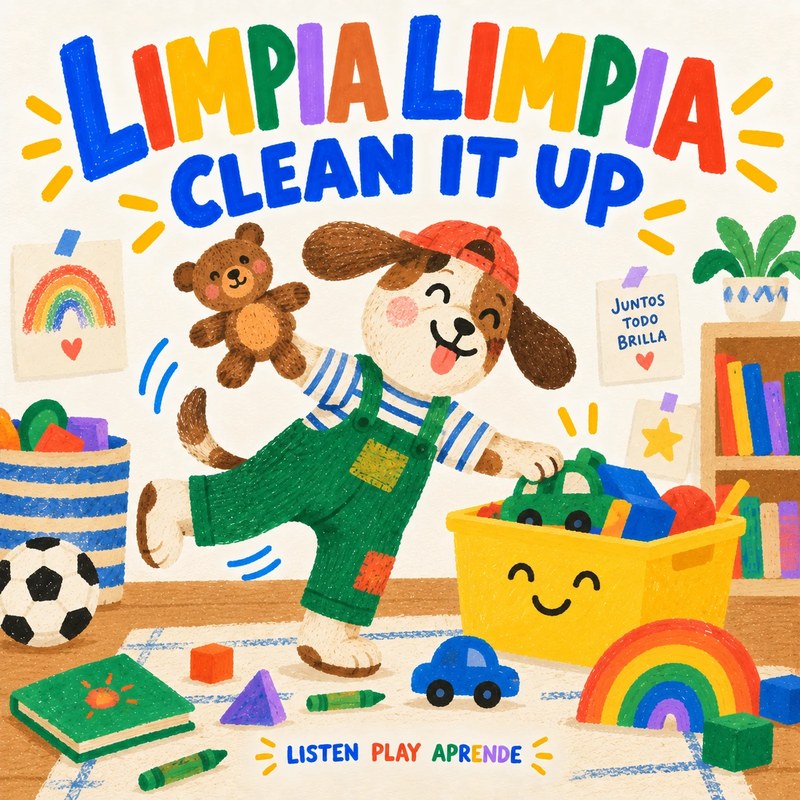
Playlist ZIPs for one Yoto card
- Bilingual Dance Party · 9 tracks
- Colors, Counting & Animal Adventures · Bilingual · 7 tracks
- Everyday Adventures · Bilingual · 8 tracks
- Cleanup Together · Bilingual · 2 tracks
- Classic Songs, Two Languages · 8 tracks
- Bedtime Songs · Bilingual · 2 tracks
- Play, Learn & Everyday Fun · Spanish · 7 tracks
- Bedtime Songs · Spanish · 2 tracks
- Halloween Dance · Spanish · 4 tracks
- Halloween Dance & Play · Bilingual · 7 tracks
- Halloween Stories & Songs · Spanish · 3 tracks
- Halloween Story & Songs · Bilingual · 7 tracks
- Classic Tales in Spanish · Vol. 1 · 3 tracks
- Classic Tales in Spanish · Vol. 2 · 3 tracks
- Bilingual Folk Tales · Complete Collection · 4 tracks
- Play Together · Portuguese + English · 3 tracks
Yoto questions
Are the songs really free for Yoto?
Yes — Play Aprende downloads are free and need no Play Aprende account. To add audio to your player, you'll use your own Yoto account.
Do I need to convert the files?
No conversion is needed. Download the MP3 files, then follow the upload and card-linking steps above.
Can I put a whole playlist on one card?
Yes. Unzip a playlist, upload all its numbered tracks to one Make Your Own playlist and link it to a single card.
Using a Creative Tonie instead? → · Help → · Activities & Printables → · MYO ideas →