Add this audio to Yoto
Download free MP3s in Spanish, English and Portuguese and add them to a Yoto Make Your Own (MYO) card. No sign-up, no subscription.
Setting up this playlist:
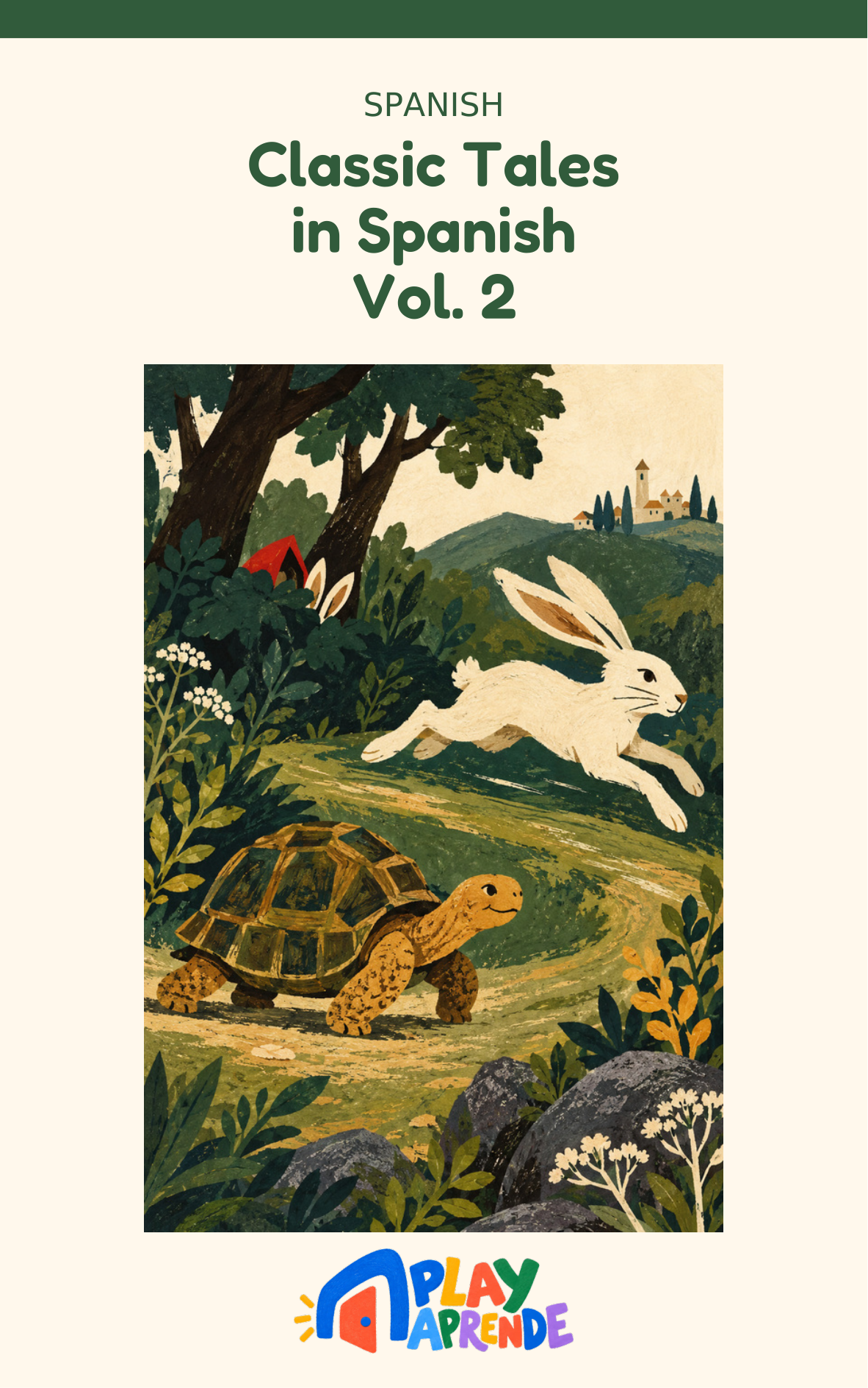
Classic Tales in Spanish
6 tracks
Download
← Back to this playlistAll tracks in one ZIP. Unzip before adding to your player.
How to add our audio to a Yoto MYO card
- Download the MP3. Download the audio above if you haven't already. If you chose a ZIP, unzip it first. Tracks are numbered so they play in order.
- Upload a playlist in your browser. If you have a ZIP, extract it first or use the individual MP3 downloads. Go to my.yotoplay.com/my-cards in a browser with the same account as the Yoto app. On a phone, New Playlist in the app opens this browser dashboard. Choose New Playlist → MAKE NEW → Upload Audio and select the saved MP3 files, not the ZIP. Add more with Upload Audio, check their order, then SAVE (or UPDATE for an existing playlist). This upload step happens on the Yoto website, not inside the app.
- Give it a name, cover and track icons. The playlist's own name and cover are set when you create it. You can also change the icon for each individual track inside the playlist — that's a separate, per-track icon, not the playlist cover.
- Link it to a card in the app. Open the Yoto app, find the playlist, tap the ⋮ menu and choose Link to a Card. Put a blank MYO card in your Yoto player, then tap Link in the pop-up panel to confirm — you'll see a red record icon, then a green tick once it's linked.
- Confirm it's fully downloaded, then play. After linking, play the card for a few seconds, then remove it — that gets the download started, but hearing it play doesn't prove it finished downloading; it may still be streaming. Leave the player switched on, connected to Wi-Fi, plugged in and idle so the rest can download. There's no fixed time this takes, but leaving it overnight before you need it offline is a safe bet. Check Settings → My Players → Audio Download Status in the app to see which titles are downloaded and which are still waiting before relying on offline playback.
Yoto questions
Are the songs really free for Yoto?
Yes — Play Aprende downloads are free and need no Play Aprende account. To add audio to your player, you'll use your own Yoto account.
Do I need to convert the files?
No conversion is needed. Download the MP3 files, then follow the upload and card-linking steps above.
Can I put a whole playlist on one card?
Yes. Unzip a playlist, upload all its numbered tracks to one Make Your Own playlist and link it to a single card.
Using a Creative Tonie instead? → · Help → · Activities & Printables → · MYO ideas →