Add this audio to your Creative Tonie
Download free MP3s in Spanish, English and Portuguese and add them to a Creative Tonie. No sign-up, no subscription.
Setting up this playlist:
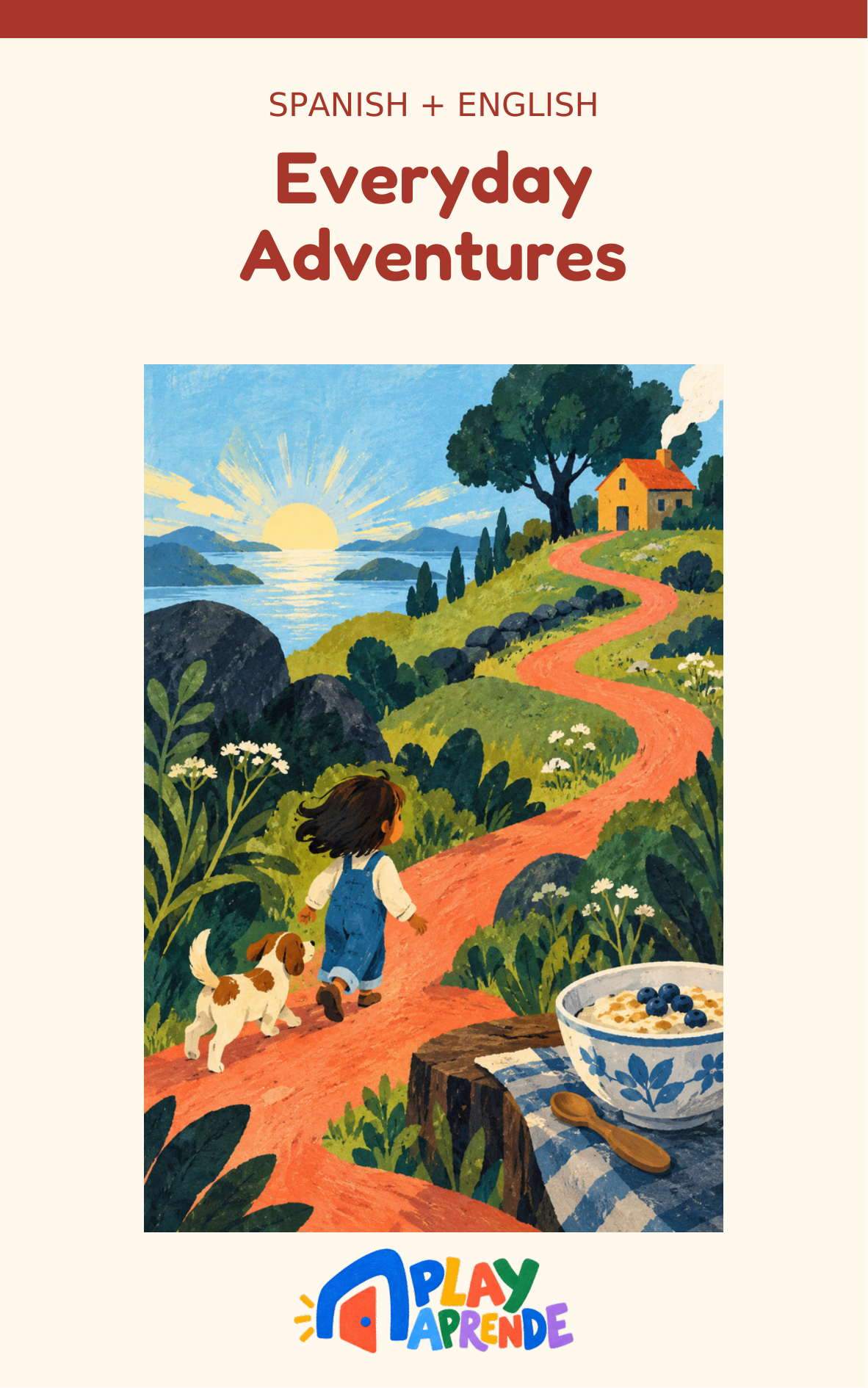
Everyday Adventures · Bilingual
8 tracks
The ZIP contains 8 numbered MP3s — unzip it, then add them to your Creative Tonie, or to a Yoto playlist.
How to put our songs on a Creative Tonie
- Download the MP3. Download the audio above if you haven't already. If you chose a ZIP, unzip it first. Tracks are numbered so they play in order.
- Upload the files in the tonies app. Open the tonies app (or your account on the tonies website), open Creative Tonies, tap your Creative Tonie, then tap the Tonie-arrow icon and choose the MP3s to assign. Wait for the upload to finish and confirm it is saved; on the tonies website, click Save Content.
- Sync your Toniebox, then place the Tonie. On a Toniebox 1, first take any Tonie off the Toniebox, then pinch either ear for about 3 seconds until the LED flashes blue. Wait for the chime and a solid green LED — that confirms the sync. Only then place the Creative Tonie on top. On a Toniebox 2, it syncs automatically over Wi-Fi — but placing the Creative Tonie on top too soon after the Toniebox starts up can prevent the updated content from loading. Wait at least 30 seconds after startup before placing it.
- Check it's fully downloaded, then play. The sync confirms the Toniebox has the new assignment — it isn't the audio itself. Placing the figure is what starts the actual download, and playback begins at the same time, so starting to play isn't proof it's all there yet. Wait for the LED to flash blue and then turn solid green again (Toniebox 1), or for the Dynamic Light Ring to show its rainbow pattern (Toniebox 2), before counting on offline playback. A Creative Tonie holds about 90 minutes.
Why these work well on a Toniebox
- Plain MP3 files, so they upload without any conversion.
- Short songs, ideal for ages 0–5, plus calm bedtime tracks.
- Playlists as one ZIP — download a ready-made playlist, then upload its audio files to your Creative Tonie.
- Spanish, English and Portuguese, so the whole family can learn together.
Songs to download for your Creative Tonie
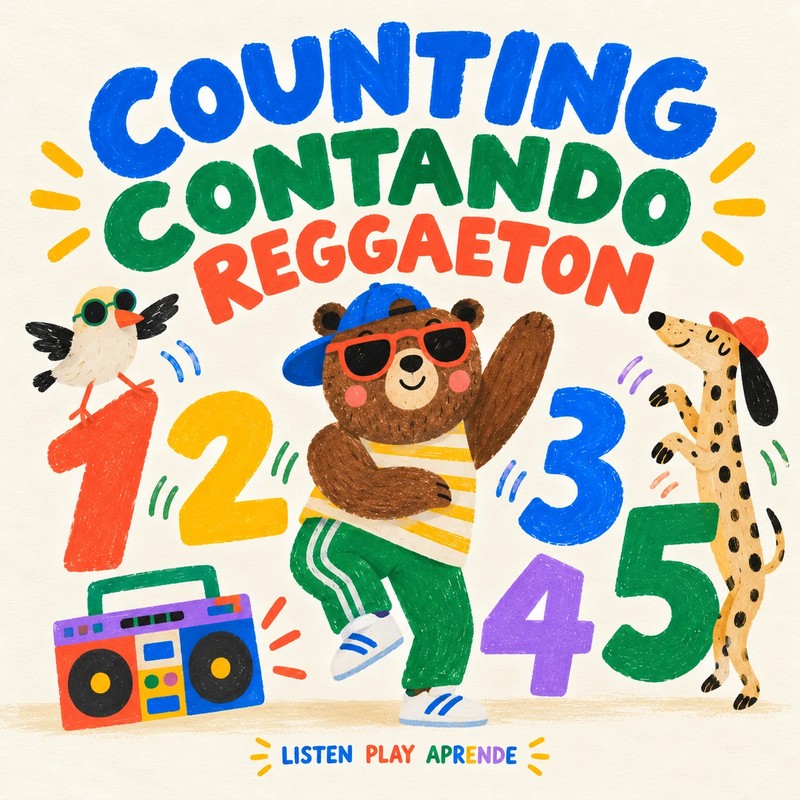

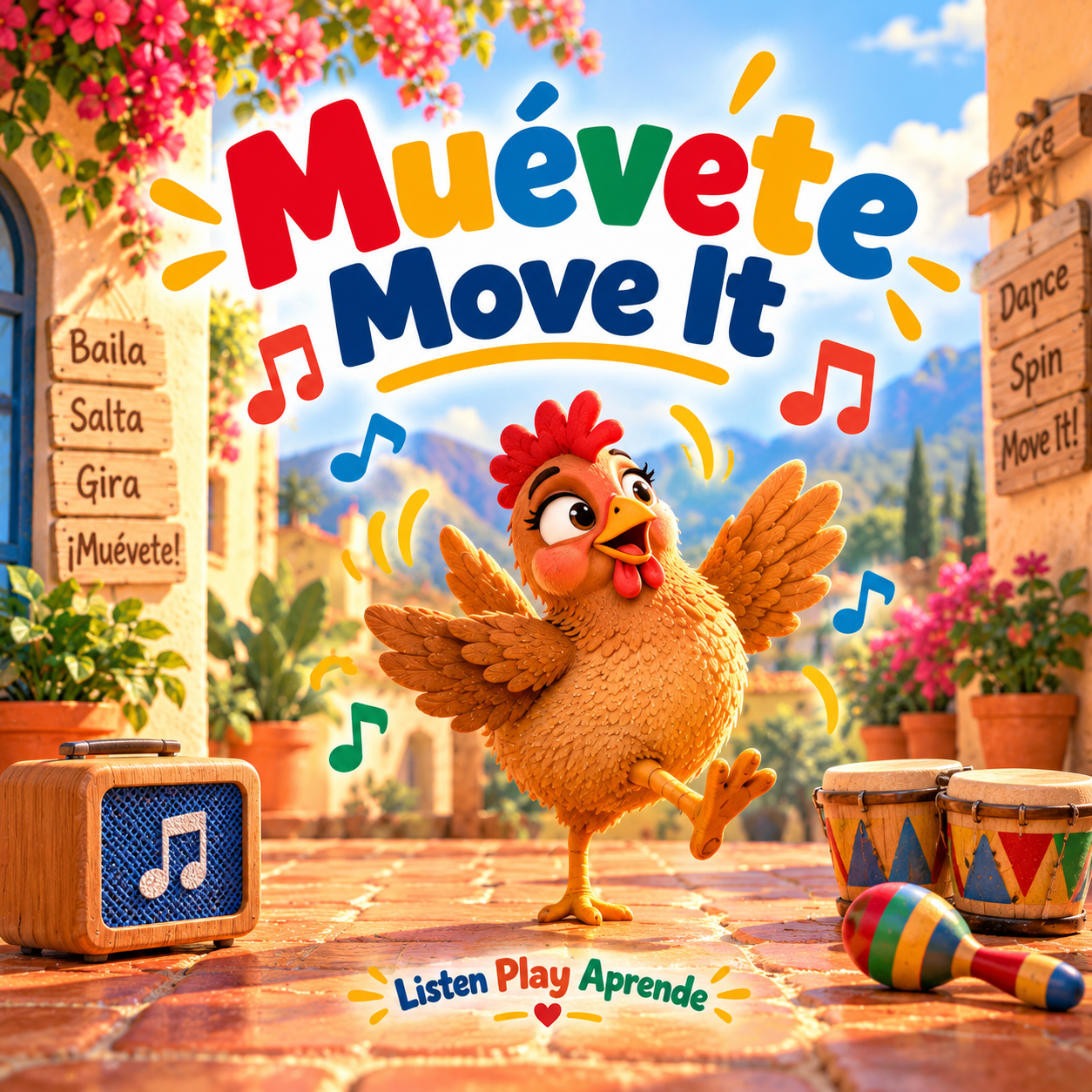
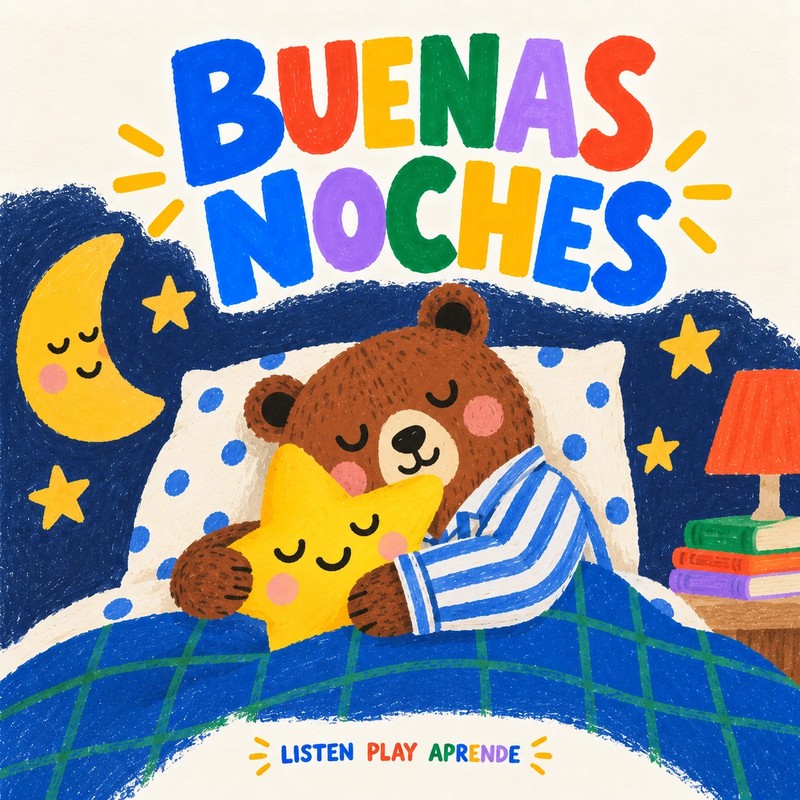
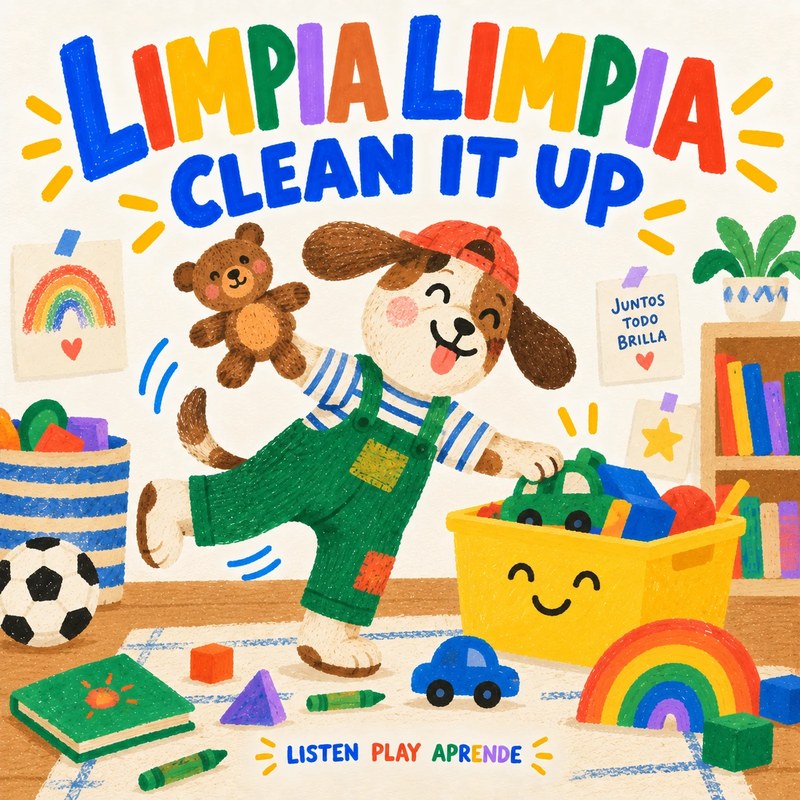
Playlist ZIPs for one Creative Tonie
- Bilingual Dance Party · 9 tracks
- Colors, Counting & Animal Adventures · Bilingual · 7 tracks
- Everyday Adventures · Bilingual · 8 tracks
- Cleanup Together · Bilingual · 2 tracks
- Classic Songs, Two Languages · 8 tracks
- Bedtime Songs · Bilingual · 2 tracks
- Play, Learn & Everyday Fun · Spanish · 7 tracks
- Bedtime Songs · Spanish · 2 tracks
- Halloween Dance · Spanish · 4 tracks
- Halloween Dance & Play · Bilingual · 7 tracks
- Halloween Stories & Songs · Spanish · 3 tracks
- Halloween Story & Songs · Bilingual · 7 tracks
- Classic Tales in Spanish · Vol. 1 · 3 tracks
- Classic Tales in Spanish · Vol. 2 · 3 tracks
- Bilingual Folk Tales · Complete Collection · 4 tracks
- Play Together · Portuguese + English · 3 tracks
Creative Tonie questions
Are the songs really free for a Creative Tonie?
Yes — Play Aprende downloads are free and need no Play Aprende account. To add audio to your player, you'll use your own tonies account.
Do I need to convert the files?
No. They are standard MP3s, which the tonies app accepts as they are.
How many songs fit on one Creative Tonie?
About 90 minutes of audio, which is far more than our playlists, so a whole playlist ZIP fits on a single figure.
Using a Yoto instead? → · Help → · Activities & Printables →